
Mas Ligtas, Mas Protektado: How to Enable In-App OTPs on Your GCash App for upgraded security & protection
To keep accounts protected and digital transactions safer, GCash is reminding users to switch to in-app One-Time Pins (OTPs) for seamless, direct verification within the app.
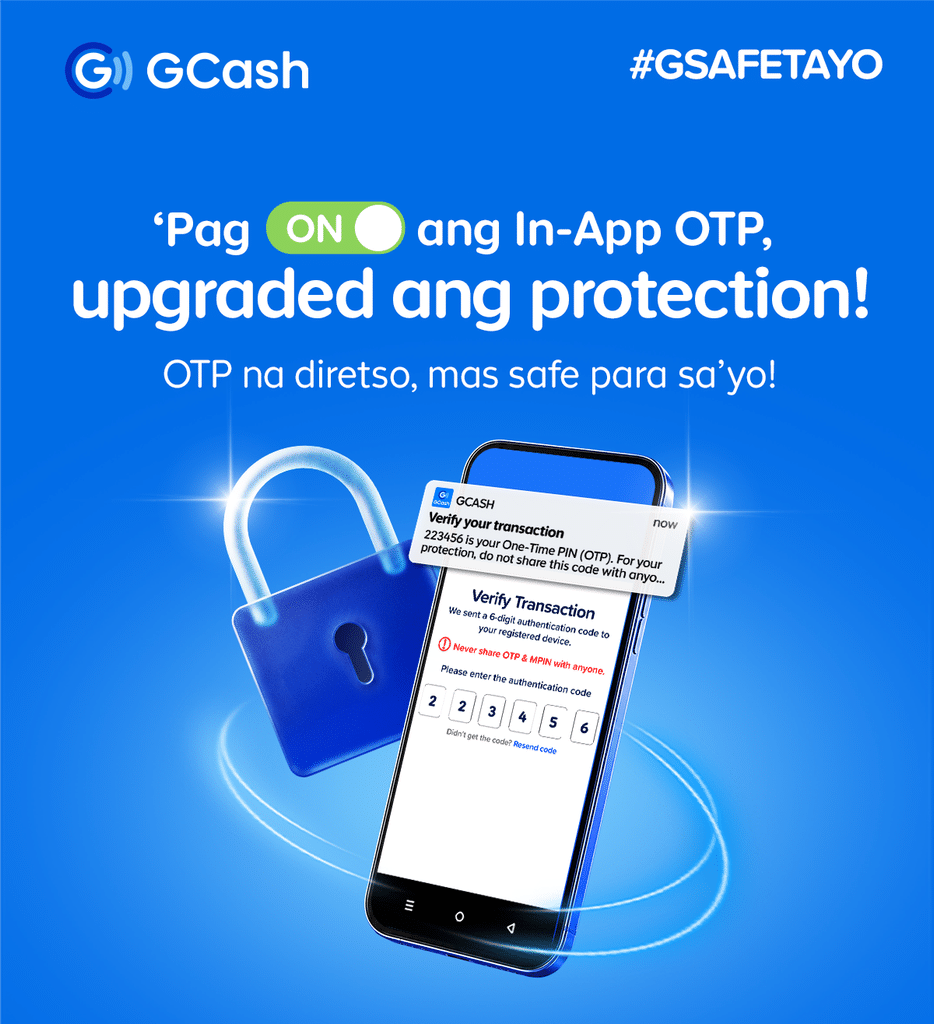
In-App OTPs help protect users from SMS-based scams. By sending OTPs directly to the registered app, only the account owner can receive and approve requests. It also quickens transactions by removing the need to switch apps, type codes, or wait for SMS messages to arrive.
This shift is part of the broader strategy of GCash to enhance security through Multi-Factor Authentication (MFA), a widely used industry standard that adds more layers of protection when accessing an account. MFA helps lower the risk of account takeovers, even if passwords or MPINs are compromised.
GCash has consistently invested in stronger protection systems, including Know-Your-Customer (KYC) verification and Facial Recognition verification (Double Safe). In-App OTPs add to these safeguards and improve security without creating extra steps for users.
As digital scams continue to evolve and become more sophisticated, GCash remains committed to strengthening platform security and setting a higher standard for safe and secure digital finance in the Philippines.
Here’s a quick guide how to enable push notifications for the GCash app:
Step 1: Go to Settings
Open the Settings app on your mobile phone. This is where you can manage how each app on your device sends you alerts and notifications.
Step 2: Select “Notifications”
Inside Settings, go to “Notifications”, then look for GCash on the list of apps. Tap on it to open the notification settings for the GCash app.
Step 3: Activate “Allow Notifications”
Turn on the toggle for “Allow Notifications.” Once enabled, your phone will start receiving in-app OTPs from GCash through secure push notifications, keeping you a step ahead of scams that exploit SMS OTPs.
For more information, visit www.gcash.com.
###
